
Creating a clutter-free home office is essential for maintaining focus, reducing stress, and maximizing productivity. Whether you work remotely full-time or occasionally use your home office, keeping the space organized can make a world of difference. In this post, we offer practical tips to help you design and maintain a tidy, functional workspace that supports your daily tasks.
Why a Clutter-Free Home Office Matters
A cluttered workspace can negatively affect concentration and creativity. When papers pile up, cables tangle, and your desk overflows with miscellaneous items, it becomes harder to find what you need quickly. A neat environment promotes better time management and a clearer mind.
Step 1: Assess Your Space and Needs
Before diving into organizing, take a moment to evaluate your current setup:
– Identify your essential tools and supplies. Include electronics, stationery, reference materials, and any other items needed daily.
– Note the space available. Consider your desk size, shelves, drawers, and floor area.
– Think about your workflow. How do you typically work? Do you move between computer, paperwork, and meetings often?
This information will guide your organizing plan.
Step 2: Declutter Ruthlessly
One of the biggest obstacles to an organized office is excess stuff. Follow these steps to declutter effectively:
– Sort items into categories: Keep, Donate/Sell, Recycle, or Trash.
– Be honest: If you haven’t used something in months or it’s broken, it’s probably time to let it go.
– Clear your desk: Remove everything and only return what is essential.
– Handle paperwork promptly: Scan or file important documents and shred what you don’t need.
Decluttering is not a one-time task—make it a regular habit.
Step 3: Use Smart Storage Solutions
Good storage makes staying organized easier. Consider these tips:
– Desk organizers: Use trays, pen holders, and small containers for everyday items.
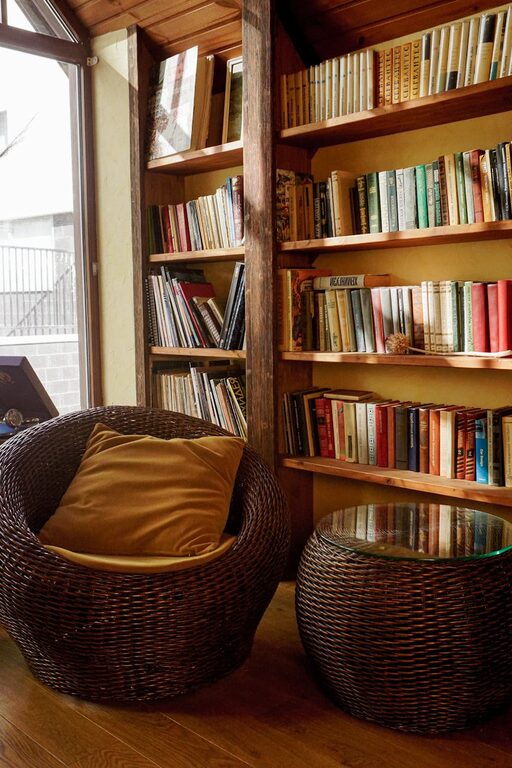
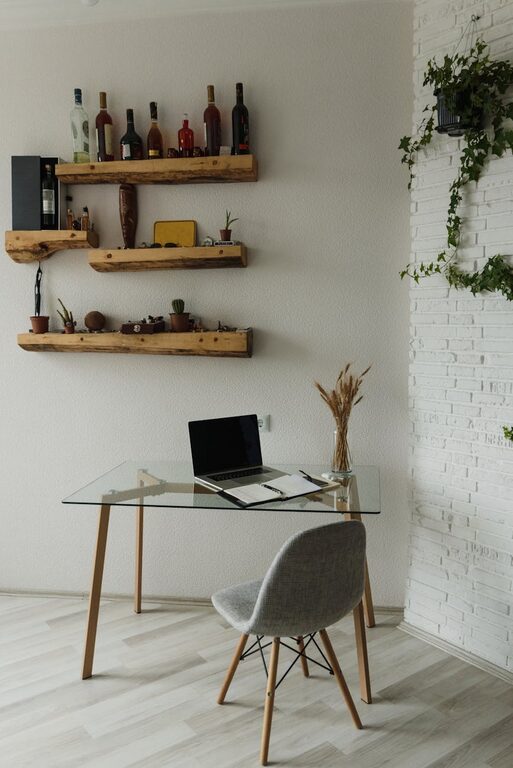
– Shelving: Install wall shelves or use bookcases to keep books, binders, and decor.
– Filing system: Use labeled folders or filing cabinets to keep paperwork sorted.
– Cable management: Use clips, sleeves, or boxes to hide and untangle cords.
– Under-desk storage: Utilize rolling carts or drawers for extra supplies without crowding your desk.
Choose storage that fits your space and style while keeping things within reach.
Step 4: Optimize Workspace Layout
Arranging furniture and equipment logically can improve flow:
– Position your desk near natural light if possible to reduce eye strain.
– Face away from distractions such as doors or noisy areas.
– Place frequently used items close by, less-used items farther away.
– Create zones: Dedicate areas for computer work, paperwork, and meetings.
– Leave some blank space for writing, organizing, and thinking freely.
A thoughtful layout encourages focused work.
Step 5: Maintain Cleanliness Daily
Regular cleaning prevents clutter from piling up again:
– End each day by tidying your desk.
– File papers immediately rather than stacking.
– Wipe surfaces weekly to remove dust and smudges.
– Reassess your storage needs periodically. Sometimes what worked before needs updating.
– Avoid eating at your desk to reduce crumbs and spills.
Small daily habits make a big difference over time.
Bonus Tips for Inspiration and Motivation
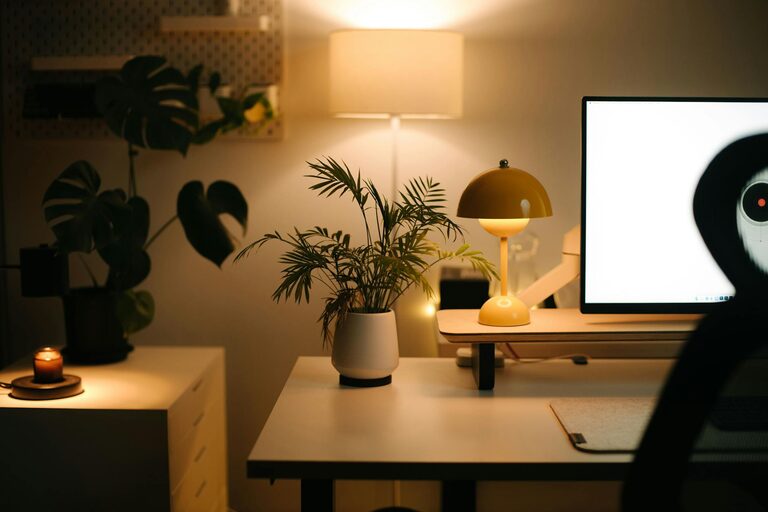
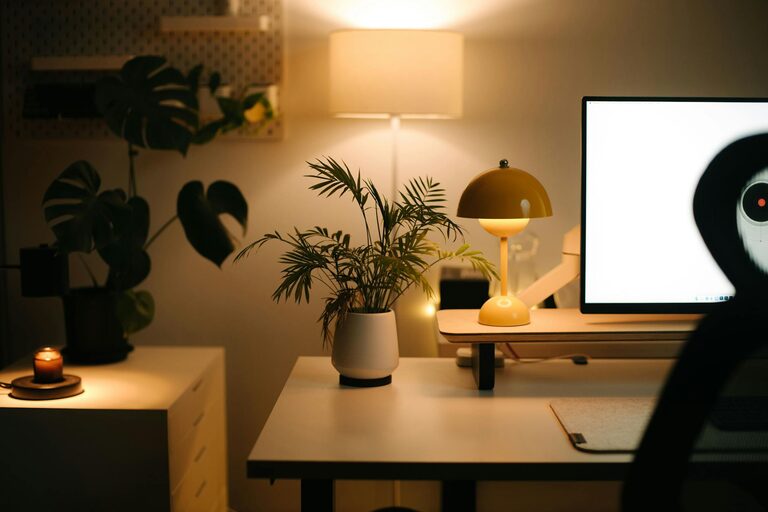
– Personalize your space: Add a plant, artwork, or photos to make your office inviting.
– Use labels: Labeling drawers and folders helps quickly locate things.
– Invest in quality tools: Comfortable chairs and good lighting improve comfort and focus.
– Set a schedule: Dedicate time weekly or monthly for bigger cleanups.
– Limit distractions: Use noise-cancelling headphones or a room divider if needed.
An organized home office supports both your work and wellbeing.
—
Organizing your home office may seem like a big task, but starting with small steps will create lasting improvements. With a clear plan and simple routines, you’ll enjoy a clutter-free space that enhances your productivity and peace of mind every day. Happy organizing!
About the Author