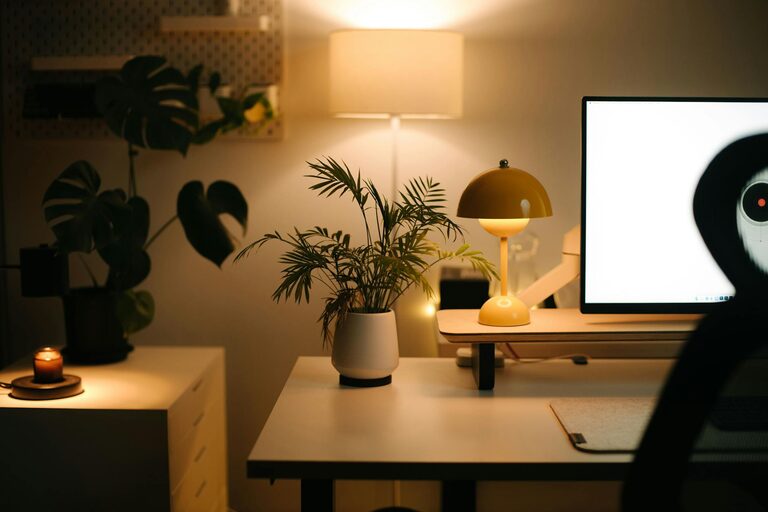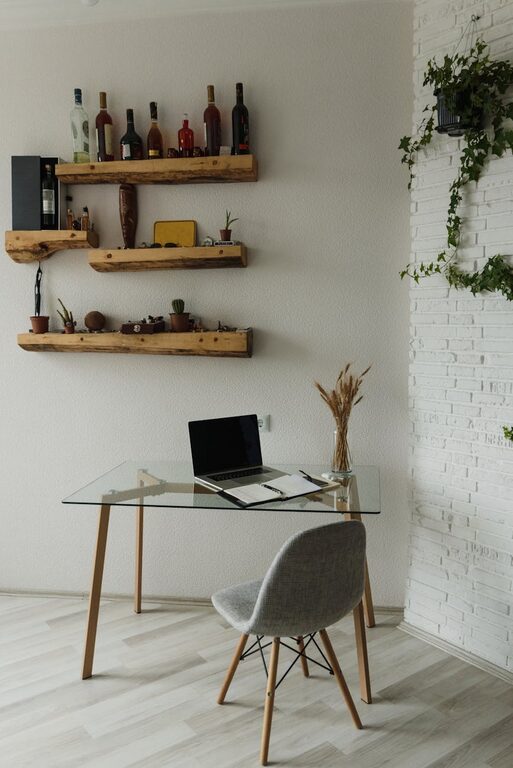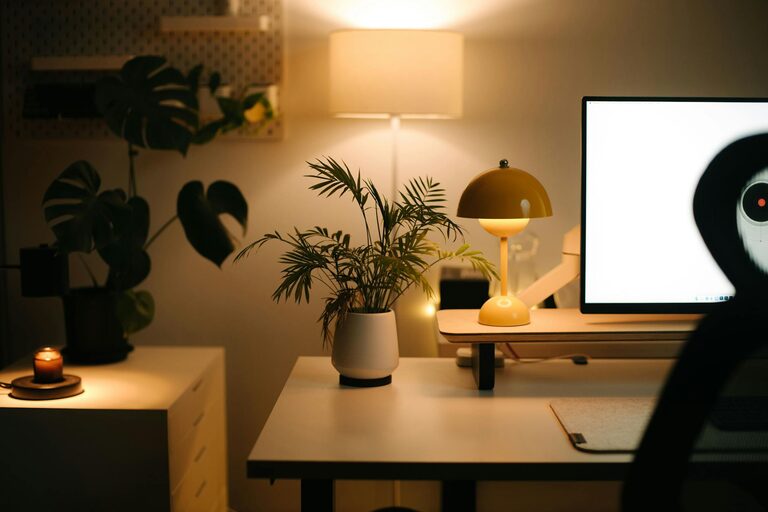
Creating an organized and comfortable home workspace is key to staying productive and motivated throughout your workday. Whether you’re working remotely full-time or just need a dedicated area for occasional tasks, a well-structured environment can make all the difference. Below are effective tips to help you organize your home workspace, boosting both efficiency and comfort.
1. Choose the Right Location
Selecting the right spot for your home workspace lays the foundation for productivity.
– Find a quiet area: Choose a space away from high-traffic areas to minimize distractions.
– Consider natural light: Position your desk near a window to benefit from natural daylight, which can improve mood and reduce eye strain.
– Measure your space: Ensure your chosen area has enough room for your desk, chair, and any equipment or supplies you need.
2. Invest in Ergonomic Furniture
Comfort is crucial for maintaining focus and preventing strain during long work hours.
– Ergonomic chair: Choose a chair that supports your back and promotes good posture.
– Adjustable desk: If possible, use a desk that allows you to switch between sitting and standing positions.
– Monitor height: Position your monitor at eye level to avoid neck strain.
3. Declutter and Minimize Distractions
A tidy workspace helps keep your mind clear and focused.
– Clear your desk: Keep only essential items on your desk surface.
– Use storage solutions: Incorporate shelves, drawers, or boxes to store papers, cables, and office supplies.
– Limit digital distractions: Turn off non-essential notifications and keep personal devices out of reach during work hours.
4. Organize Supplies and Equipment Efficiently
Having everything in its place saves time and reduces frustration.
– Desk organizers: Use trays, holders, and dividers for pens, paperclips, and sticky notes.
– Cable management: Use clips, sleeves, or velcro ties to keep cords tidy and prevent tangling.
– Label everything: Labels can help you quickly find files and supplies.
5. Personalize Your Space to Inspire
Adding personal touches can make your workspace more inviting and enjoyable.
– Plants: Small indoor plants add a splash of greenery and can improve air quality.
– Wall art: Inspirational quotes or artwork can boost motivation.
– Comfort touches: Consider a cozy throw, a soft rug, or an adjustable lamp to enhance ambiance.
6. Set Up Adequate Lighting
Good lighting reduces eye strain and improves alertness.
– Task lighting: Use adjustable desk lamps for focused work.
– Avoid glare: Position lights to prevent screen reflections.
– Combine lighting sources: Layer ambient, task, and natural light for balance.
7. Establish a Routine and Keep It Organized
Maintaining your workspace organization is an ongoing process.
– Regular clean-ups: Spend a few minutes at the end of each day tidying your space.
– Plan your day: Use calendars, planners, or apps to schedule tasks and keep track of deadlines.
– Create zones: Define areas for computer work, brainstorming, and storage to streamline your workflow.
8. Use Technology to Stay Organized
Leverage digital tools to complement your physical organization.
– Cloud storage: Store documents online to reduce paper clutter and access files from anywhere.
– Project management apps: Tools like Trello, Asana, or Notion help keep tasks and projects on track.
– Note-taking apps: Digital notes can replace sticky notes and keep ideas organized.
—
By following these tips, you can create a home workspace that supports productivity, reduces stress, and feels comfortable. Remember, the goal is to design a space tailored to your needs, where you can work efficiently and feel good doing it. Regularly reassessing your setup and adjusting as needed will keep your home office a place of focus and creativity.
About the Author